EVER*MIND
Sleep Music: Calming Soundscapes for Deep Rest
Discover science-backed relaxing music for sleep. Deep sleep music, rain sounds, 1-hour sleep music loops, and personalized solutions to fall asleep in minutes.
Understanding
What Is Sleep Music — Relaxing Music for Sleep?
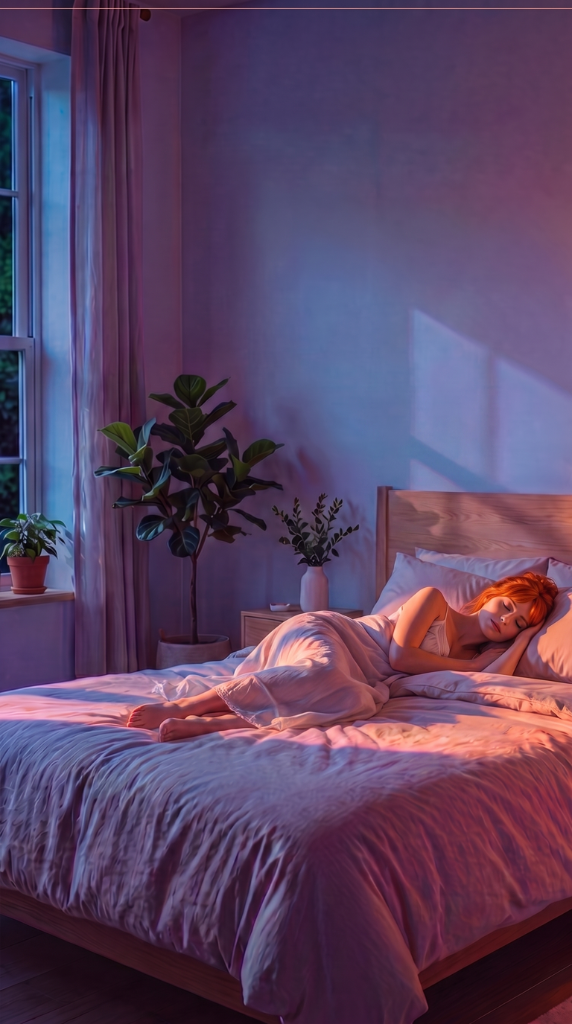
Sleep music is instrumental, rhythm-free or slow-rhythm music specifically designed to facilitate sleep onset and improve sleep quality. Relaxing music for sleep combines slow tempos (50–70 BPM), harmonic stability, and absence of sudden dynamic shifts. Whether you need deep sleep music, rain sounds, or 1-hour sleep music loops — the science is the same: the right music helps you fall asleep in minutes.
Effective sleep music lowers heart rate, reduces cortisol (the stress hormone), and activates the parasympathetic nervous system — the "rest and digest" mode your body needs to fall asleep and stay asleep.
Relaxing music for sleep is not luxury — it's a non-pharmacological tool for sleep restoration. Science shows: the right deep sleep music helps you fall asleep faster and wake refreshed.
The Science
How Deep Sleep Music Works
- ✦Heart rate synchronization: 60–70 BPM relaxing music syncs your heart to resting rate
- ✦Theta wave activation: slow deep sleep music triggers theta waves (4–8 Hz), the gateway to sleep
- ✦Cortisol suppression: relaxing music for sleep anxiety reduces stress hormones
- ✦Acoustic masking: sleep music rain sounds and consistent texture mask disruptive noise
- ✦Circadian rhythm support: 1-hour sleep music loops train your body for sleep onset
- ✦Emotional regulation: familiar music reduces anxiety and racing thoughts
Categories
Types of Relaxing Sleep Music
Deep Sleep Music & Ambient Soundscapes
Spacious, texture-based soundscapes with no rhythm. Best for: deep, uninterrupted sleep. EVER*MIND specializes here.
Sleep Music Rain Sounds & Nature
Rain, ocean waves, forest ambience combined with gentle music. Ideal for acoustic masking. Perfect 1-hour loops.
Lo-Fi Sleep Music
Slow lo-fi hip hop with organic warmth. Best for: younger adults seeking emotional connection during rest.
432 Hz Sleep Music
Music tuned to 432 Hz instead of standard 440 Hz. Believed to resonate with natural frequencies. Best for: those seeking healing frequencies.
Personalized
Sleep Music For Everyone
Adults with Sleep Anxiety
Use slow ambient music at consistent volume. The predictability reduces racing thoughts and worry during the sleep transition.
Elderly & Aging
Gentle, slower music (50–60 BPM). Avoid sudden dynamic changes. Sleep architecture naturally weakens with age — consistent support helps.
Infants & Babies
Soft lullabies and white noise. Music conditions babies to recognize sleep onset and establishes healthy sleep association.
Keep Exploring
More Music Guides
Questions
Frequently Asked
Can relaxing music for sleep help me fall asleep faster?
For light sleepers, yes — especially with deep sleep music or rain sounds. For others, 15–30 minutes is typical. Consistency matters: use the same music nightly for best results.
Does sleep music work for anxiety?
Yes. Relaxing music for sleep and anxiety reduces cortisol and activates the parasympathetic nervous system. Studies show significant anxiety reduction.
Is 1-hour sleep music enough or should I use 8-hour loops?
1-hour loops work fine. Most people fall asleep in 15–30 minutes. 8-hour loops are useful if you wake during the night and want music to return to sleep.
Can sleep music replace sleep medication?
For mild sleep issues, yes. For clinical insomnia, use music as part of a comprehensive approach. Don't stop medication without doctor approval.